


01 / PLUG IN
Connect USB stick
Connect LocalAIStick to a Windows PC or laptop.
LocalAIStick brings a powerful AI assistant directly to your USB stick - completely local, offline and without installation.
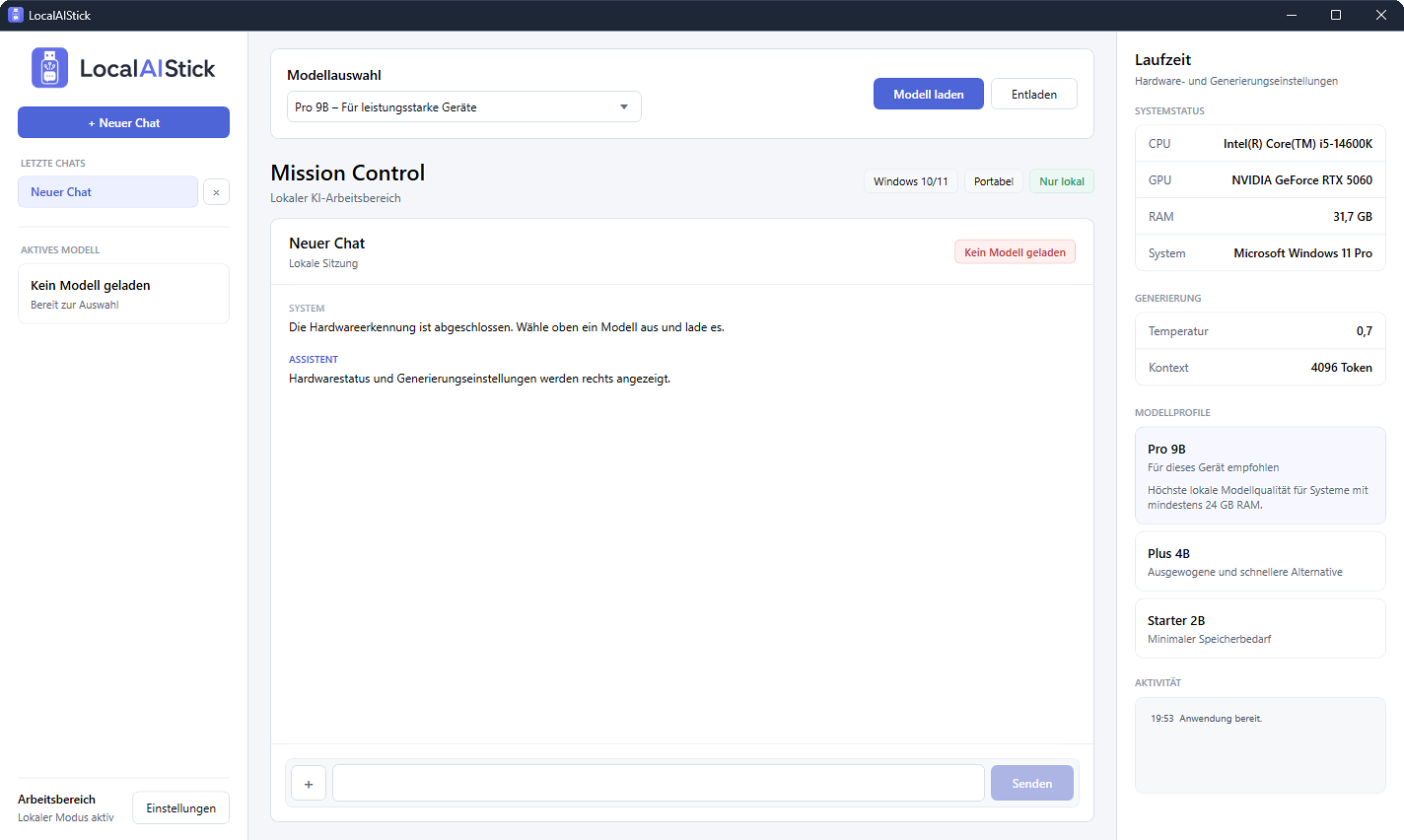
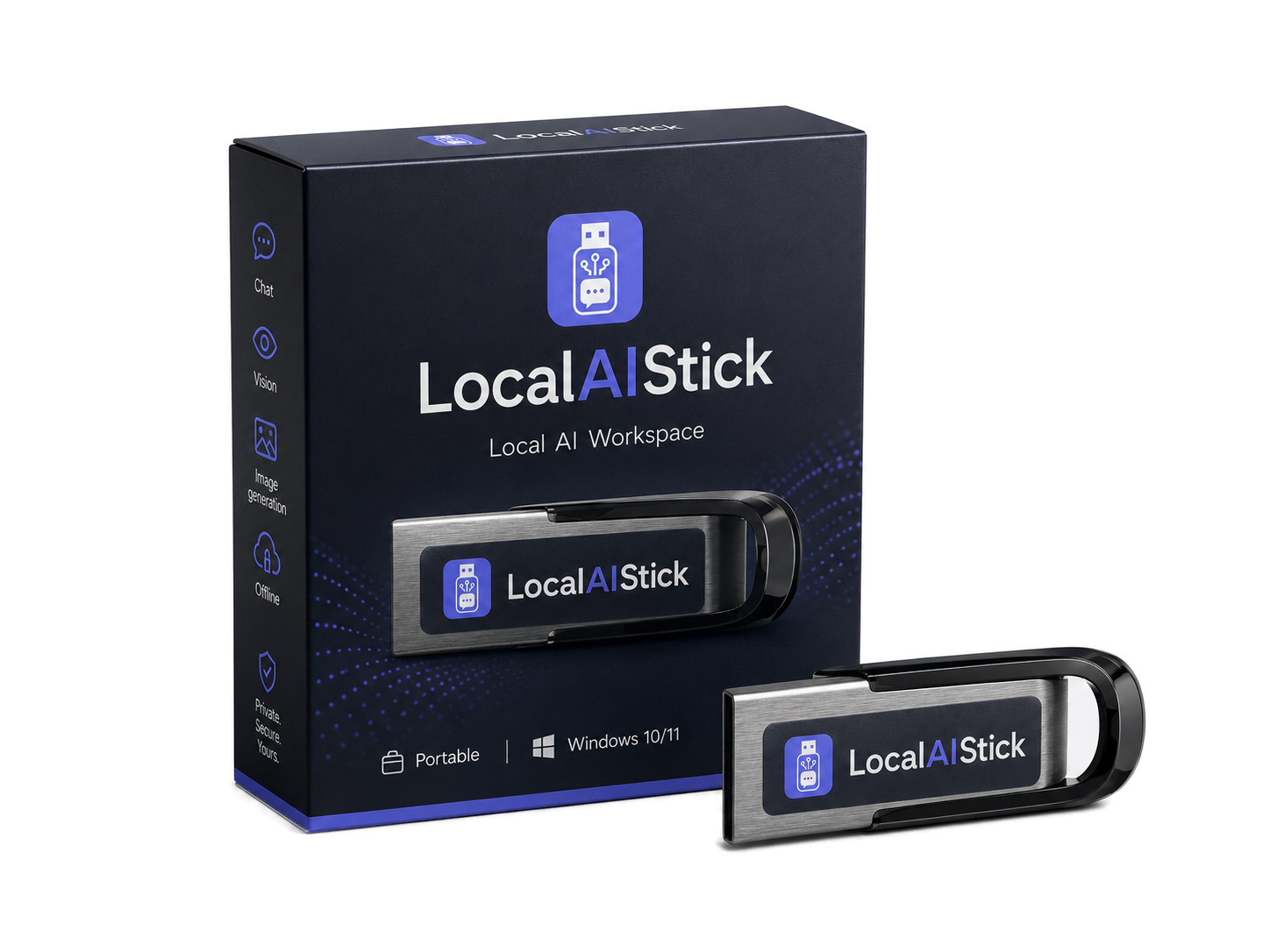
No setup, no account and no prior technical knowledge. LocalAIStick recognizes your hardware and takes care of the appropriate start.
Connect LocalAIStick to a Windows PC or laptop.
A double click is enough. Installation is not necessary.
Choose the right model - the hardware will be recognized automatically.
Chatting, evaluating documents and understanding images – all offline.
Live streamed responses, formatted text, saved histories and transparent performance metrics.
Read, summarize and analyze PDFs, text files, Markdown, CSV and JSON locally.
Explore photos, screenshots and scanned PDF pages with built-in vision models.
CPU, GPU and RAM are recognized. Vulkan, CPU and compatibility modes are available.
Chats, settings and protocols are saved directly on the stick and travel with you.
Starter 2B, Plus 4B and Pro 9B offer the right balance of speed and quality.
LocalAIStick accompanies the entire local workflow - from the first prompt to the saved image or fully formatted PDF.
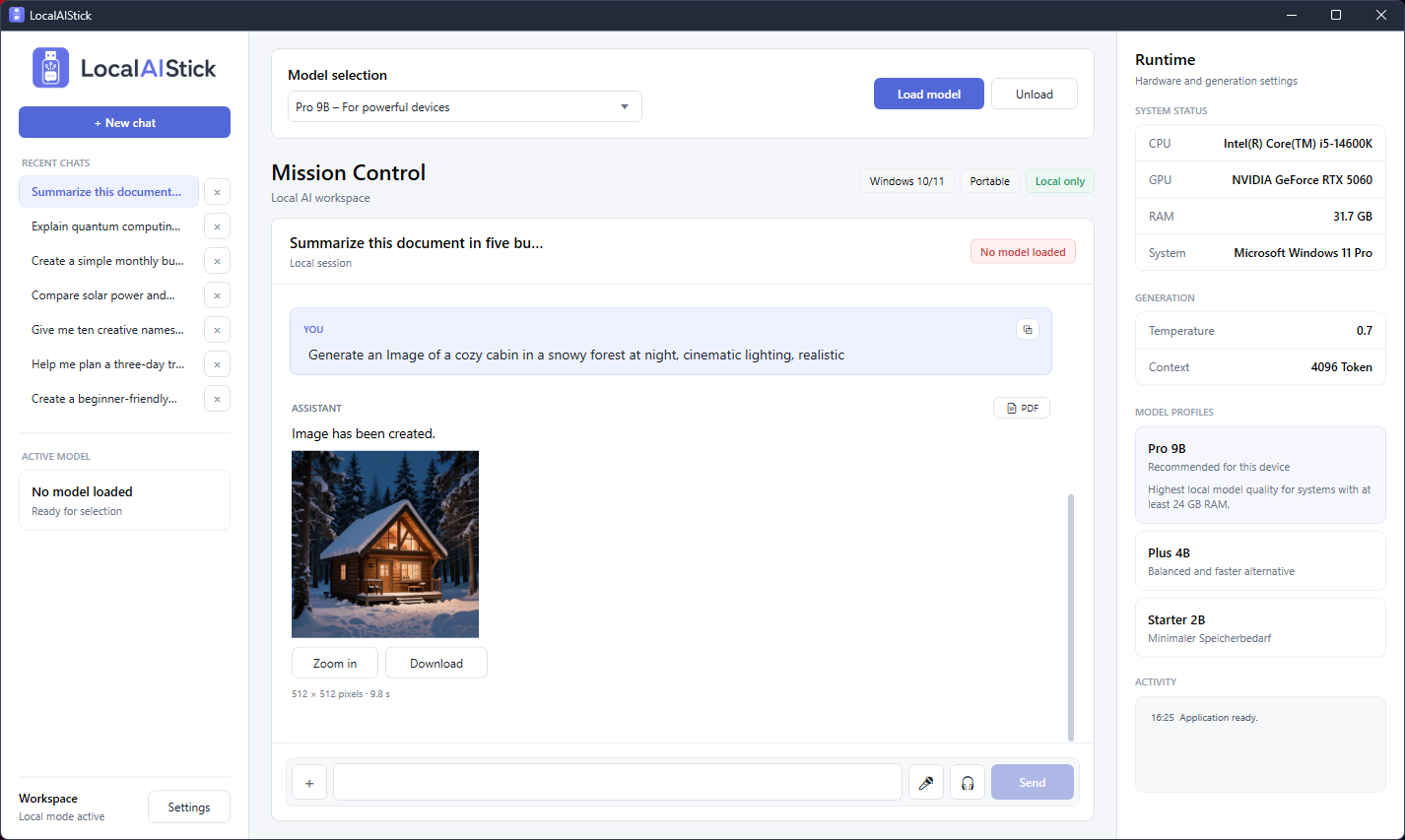
Image requests are recognized in natural language, calculated locally on suitable hardware and displayed directly in the chat as a savable PNG.
View image features →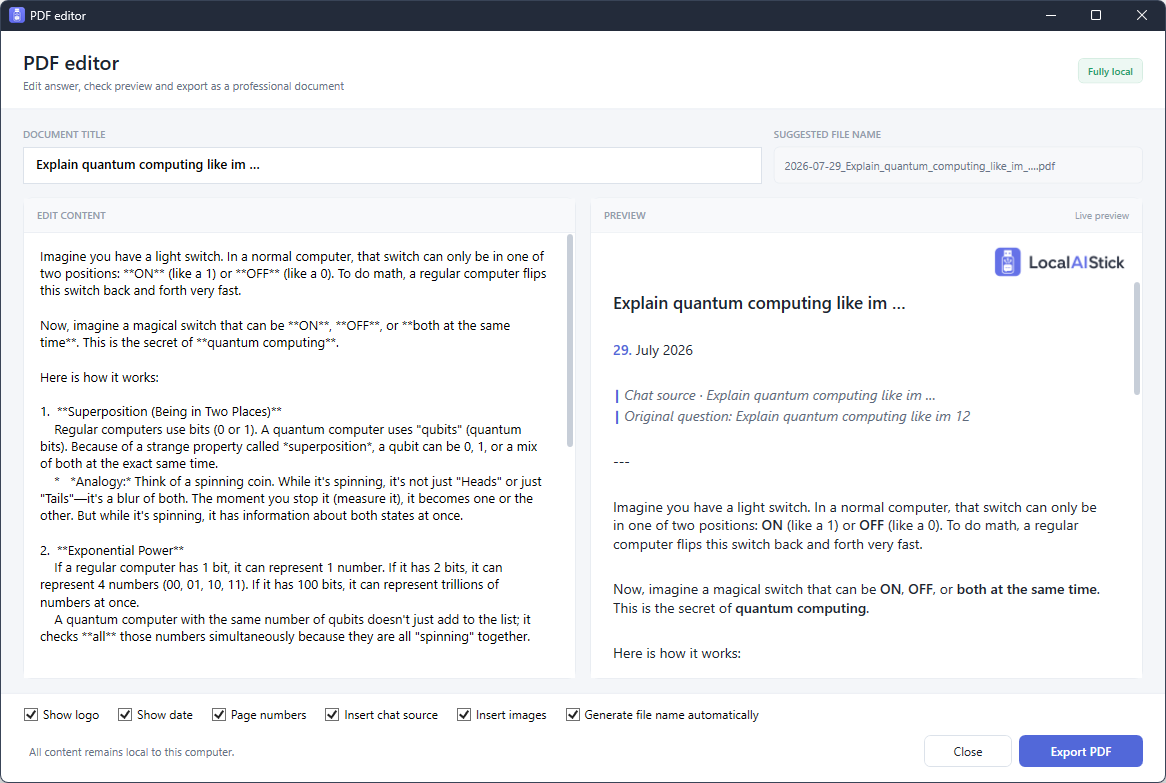
Edit content, check it live and output it as a professional PDF with the logo, date, page numbers, original question and images.
View PDF tools →The interface speaks your language and, if desired, uses the locally installed Windows language functions.
LocalAIStick processes input, documents and images on the computer used. Neither an internet connection nor a user account is required for local AI use.
More about data protection →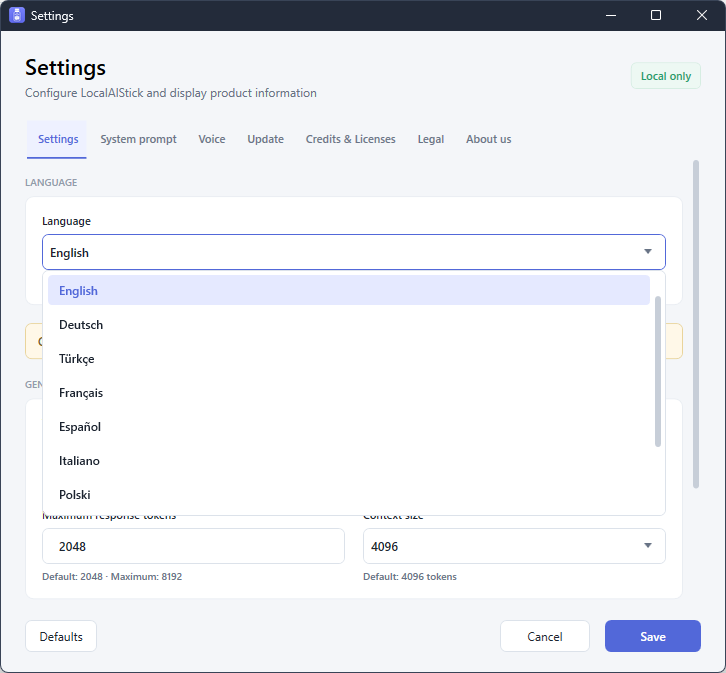
The interface bundles language, generation, voice, updates and product information in clear settings areas.
Find out about availability and variants without obligation.